

 |
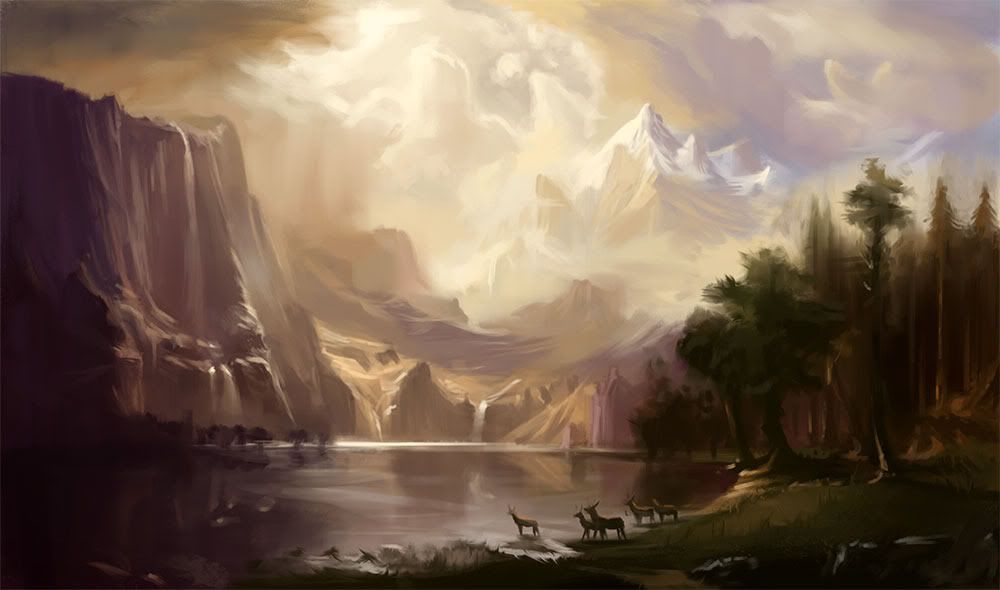
| Bierstadt study - about 3 hours in PS |
The only thing you need to start using Google Reader is Google account. Set it up or log in and you are ready to go. Once you logged in you can add your subscriptions through Subscribe button and pasting an URL of desired blog. If you have any blogs you already follow you can easily add them to your subscription list and from now you will see all the new posts in the main window of Google Reader.
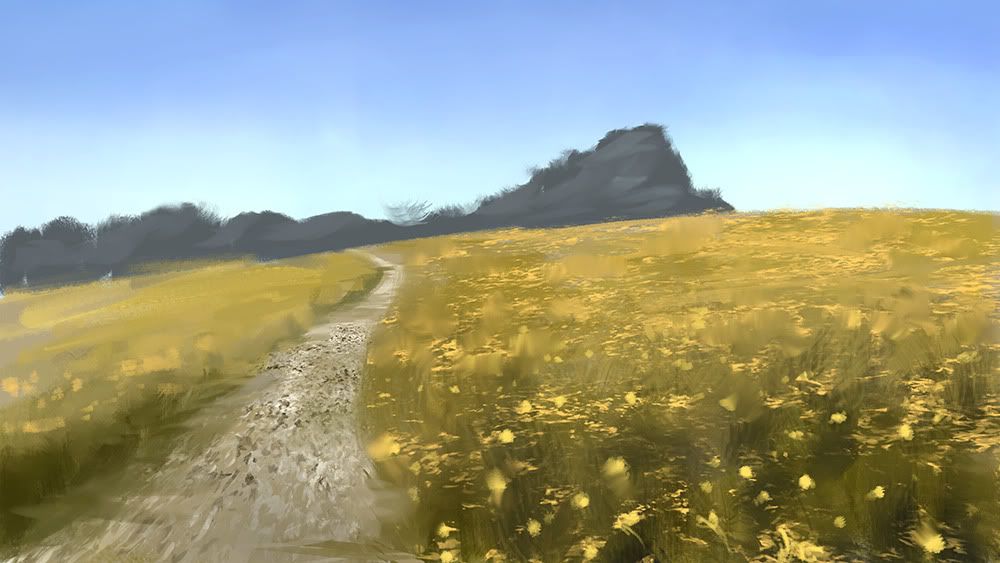 |
| Photostudy - 30 min |
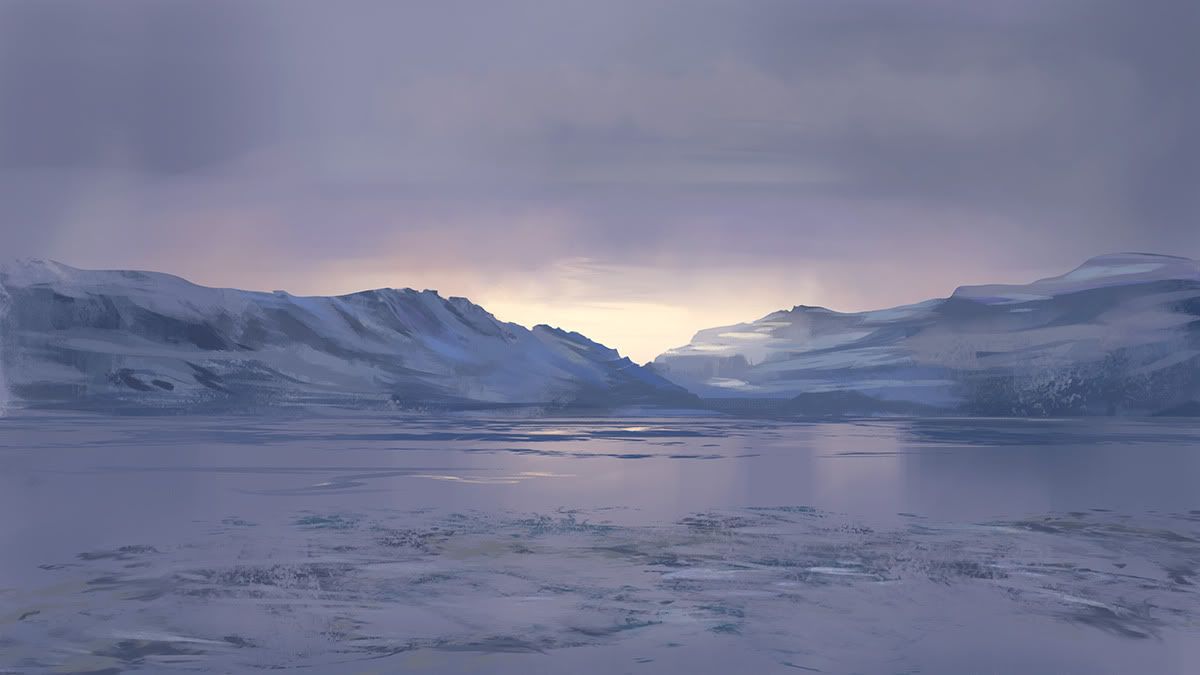 |
| Another photo study - 1 hour in PS |
I would like to share my own library of blogs that I have been building for over a year now (thanks to Coyote for sharing a concept of Google Reader with me). The list consists of 268 blogs of many different artists that I found along the way, but not only. On the list you will also find great amount of inspiring articles from different art centered blogs like Muddy Colors or James Gurney's blog. You can download and .xml file through Resources Page. Once you download it open Google Reader, click settings button in top right corner and go to Reader settings. Then go to Import/Export tab and click 'choose file' and upload an .xml file you have downloaded. That's it!
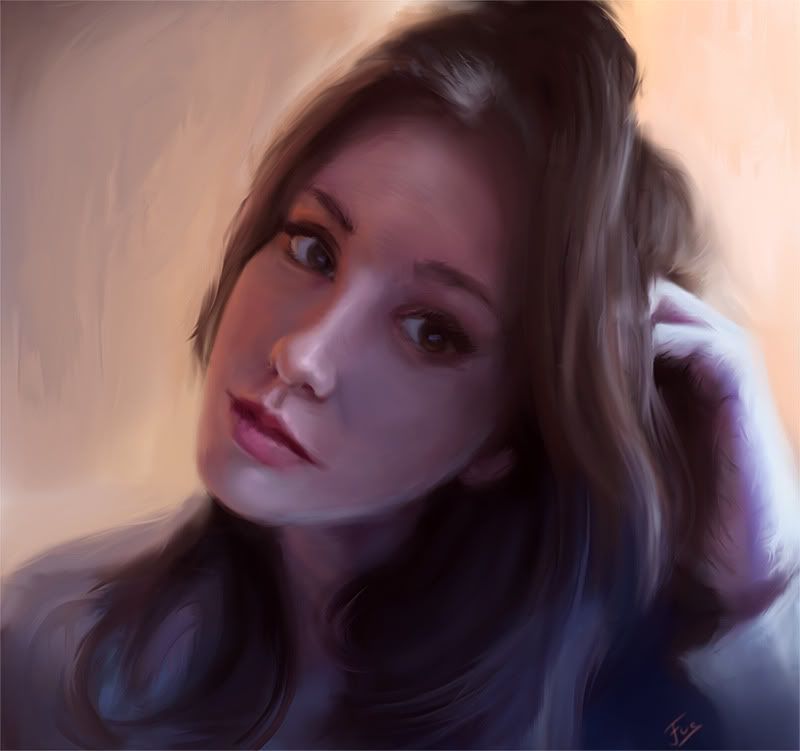 |
| Rather old portrait of my girlfriend - 3h in PS |
I encourage you to treat Google Reader as your personal magazine that you love to read. Make it your little habit. Open it during coffee break and whenever you feel hungry for anything new and inspiring. If you have smart phone with Android system you can easily download an Google Reader Application and start browsing it on the go. That's it for Google Reader!
I am really happy because I've managed to go on the seaside for two weeks. It's not a holiday trip, but I will be able to take a break from digital media. Brought some watercolors, sketchbooks and paper with me. Will be fun!
Cheers!
I am really happy because I've managed to go on the seaside for two weeks. It's not a holiday trip, but I will be able to take a break from digital media. Brought some watercolors, sketchbooks and paper with me. Will be fun!
Cheers!

No comments:
Post a Comment